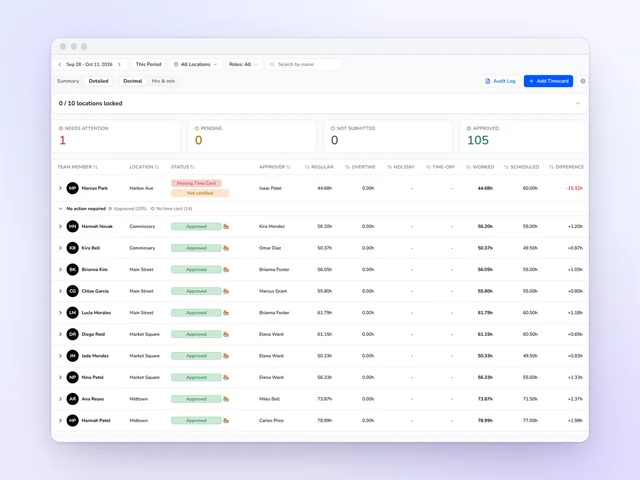
Time clock and time cards
Approve the week without opening every card, and send approved hours on to payroll.
See moreTeam communication app
The group text still has two people who left in March, and the new host isn't in it. In Kronto, your team messages each other by name, and each store gets channels that add and remove people as your roster changes. It all lives in the app they already open for the schedule and the time clock.
No credit card requiredFree for up to 10 people
Direct messages
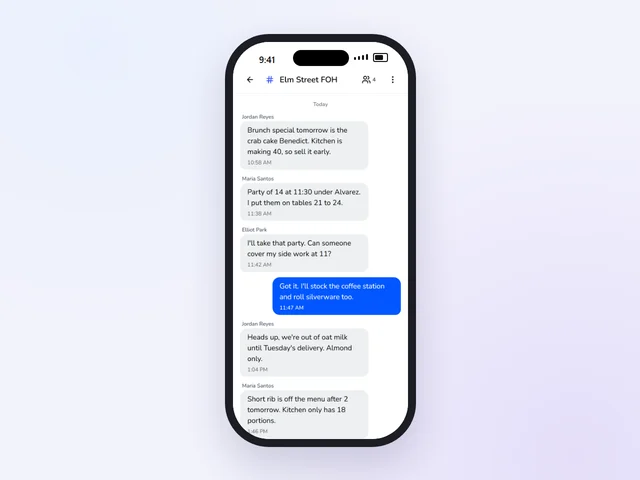
The new host doesn't have the sous chef's number, and the closing bartender changed phones. In Kronto, anyone on your team can message any coworker from the Chat tab. Tap Teammates, pick a name and write.
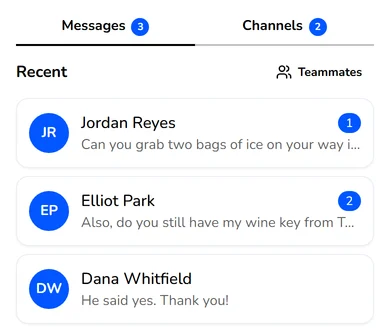
Each conversation keeps its own unread count, and the Chat tab shows the total. A question about tomorrow's ice run doesn't sink under the rest of the day's texts.
Channels
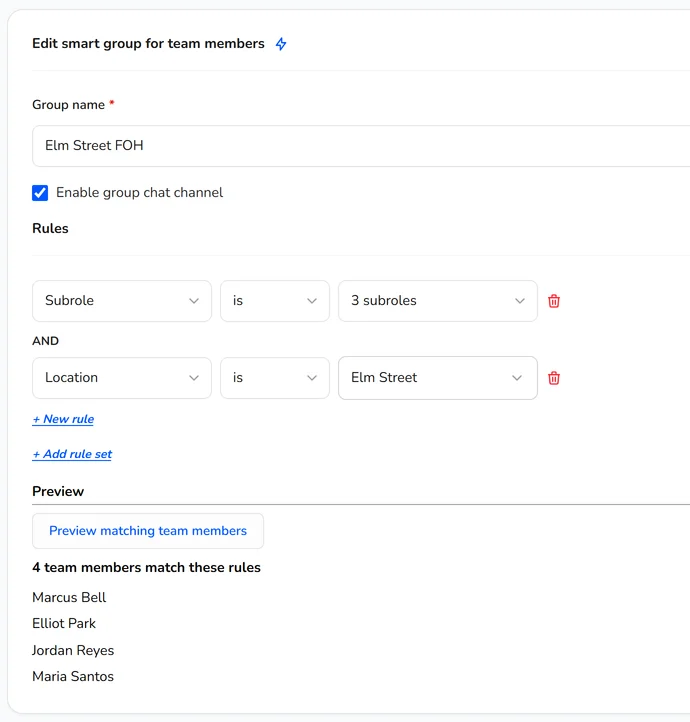
Every group you set up in Kronto gets its own channel, unless you turn it off. Build the group from rules like role, subrole, location or employment type, and Kronto fills it with the people who match.
Kronto checks those rules again on its own. A server hired at your Elm Street store joins the Elm Street front-of-house channel without anyone adding them, and a cook who moves to another store drops out of the old kitchen channel.
For managers
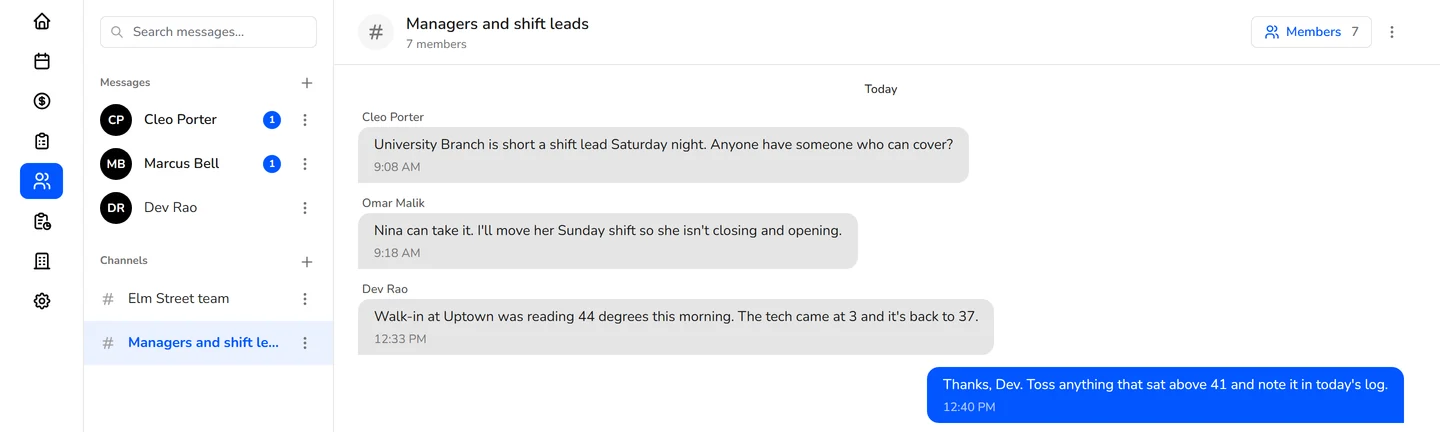
Between the produce order and next week's schedule, managers answer from the desk. Messages sit in Kronto's sidebar on the desktop, with direct messages and channels side by side. The chat icon in the header shows what's unread from any page.
Search one conversation, or all of them, for that note about the walk-in and jump straight to it. When the dashboard shows a barista running late, message them from that row.
Notifications
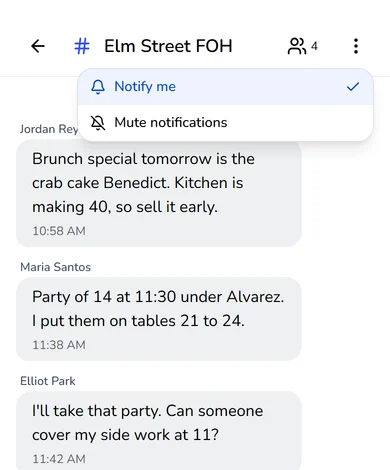
New direct messages and channel posts arrive as push notifications in the Kronto app, grouped by conversation. Tapping one opens that conversation, even for someone who works for two companies on Kronto.
A baker on a day off can mute the store channel. Muting stops the pushes, and the unread count still shows what they missed. Each person can also turn off all message pushes or all channel pushes in their settings. Kronto never sends chat messages by email or text.
Reports and blocking
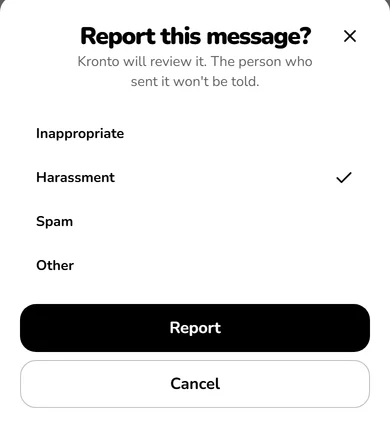
Press and hold a message to report it as inappropriate, harassment, spam or something else. Photos and people can be reported too. Until Kronto reviews the report, the message or photo is hidden from everyone except the person who sent it, and nobody is told who reported it.
Anyone can also block a coworker. They stop seeing that person's messages and photos in every channel, and the coworker isn't told.
Time clock and time cards
Approve the week without opening every card, and send approved hours on to payroll.
See more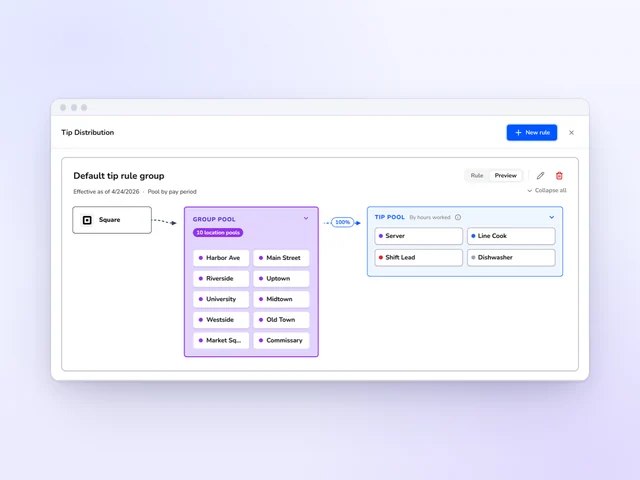
Tip distribution
Set tip pools and tip-outs by role, and Kronto does the math with card tips from Square or Toast.
See more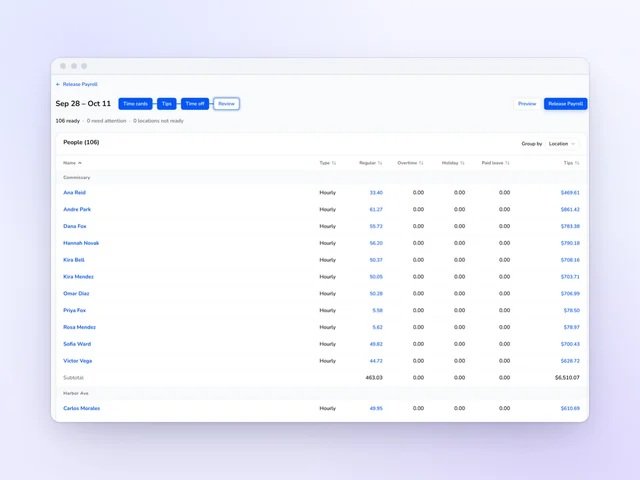
Payroll
Review hours and tips side by side, then release payroll from Kronto without retyping a time card.
See moreKronto's team communication app is part of the Kronto app your team already uses for the schedule and the time clock. Anyone can message a coworker directly, and each group you create gets a channel whose members follow rules like role and location. New messages arrive as push notifications, and anyone can mute a conversation.
Yes. Messaging comes with every Kronto plan, and Kronto is free for a team of 10 or fewer. Bigger teams pay $5 + tax per employee per month on Standard, or $10 + tax on Pro, which adds running payroll (early access). Both start with a 14-day trial, no credit card needed.
No. Team members find each other by name in Kronto and message from there. Nobody needs a coworker's personal number to reach them or to join their store's channel, and a channel's members change with your roster, unlike a group text that keeps everyone who ever joined.
Yes. Create a group with a location rule, such as everyone at your Elm Street store, and its channel includes everyone who works there. Post once and the whole team gets a push. Kronto doesn't ask people to confirm they've read a message. Anything that needs a signature belongs in a document they acknowledge.
Product details checked against Kronto's live phone and desktop messaging in November 2026. Last reviewed November 26, 2026.
Reviewed by Jamie Rosenberg, Product, Kronto, on November 26, 2026.
Retire the group text
Your team messages each other and their store's channels in the same app they use for the schedule and the time clock.
No credit card requiredFree for up to 10 people
 Jamie Rosenberg
 Jonan Junwikul
 Michael Haft