

How to schedule restaurant staff: the weekly loop
Restaurants employ a lot of people on short, shifting hours. The National Restaurant Association expects industry employment to reach 15.8 million in 2026[4], and the BLS projects about 1,078,500 openings each year for food and beverage serving and related workers through 2035[5]. A repeatable weekly loop keeps that churn from landing on the general manager's phone at 10 p.m.
- Monday: forecast. Look at last year's same week and the last four weeks of sales by day part. Note events, reservations and large parties.
- Tuesday: draft. Load your template, assign names, and check each person's availability and time off.
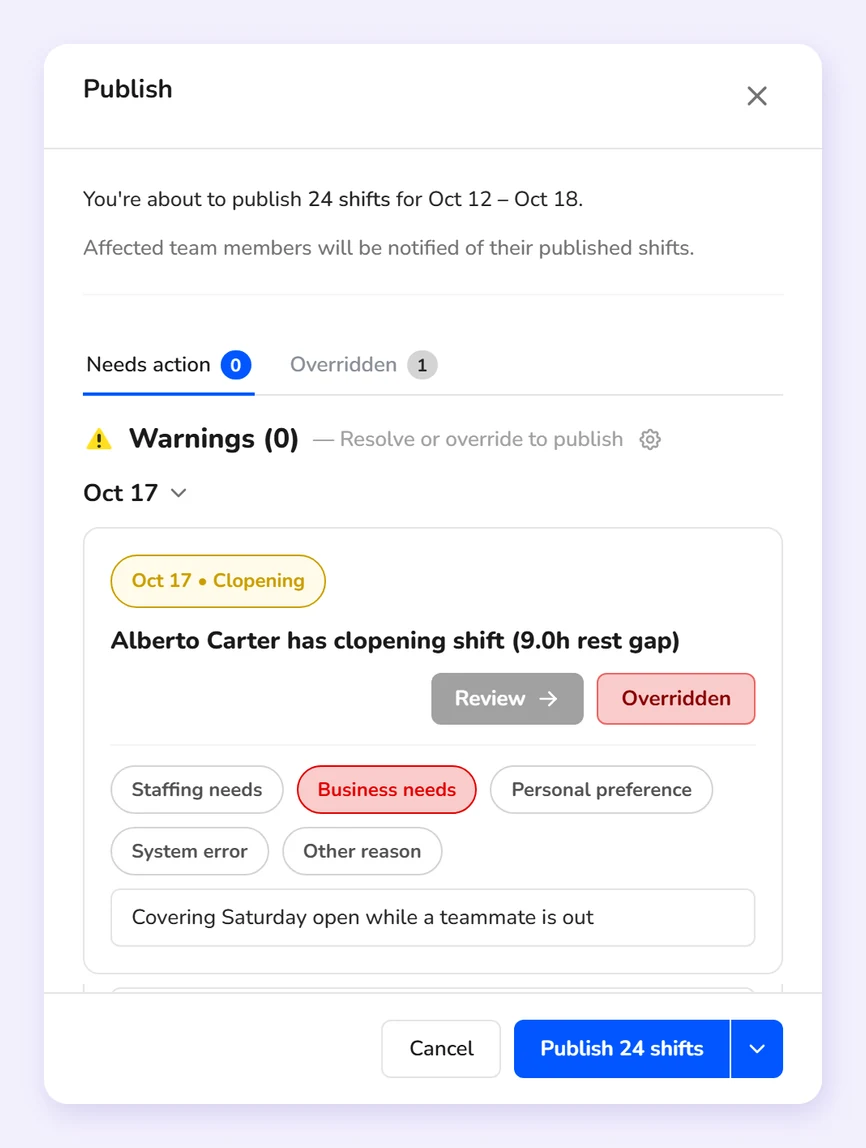
- Wednesday: check. Compare scheduled cost against your labor budget, and look for overtime, clopenings and anyone under 18 scheduled past their limits.
- Thursday: post. Publish for the following week and tell the team.
- During the week: adjust. Approve trades and pickups, and send unfilled shifts to people who want hours.
A sample template for a full-service restaurant
An example of how a dinner-heavy restaurant might lay out a Friday. Change the counts to match your own forecast.
| Role | Lunch (10:30-3) | Dinner (4-close) | Close |
|---|---|---|---|
| Servers | 3 | 6 | 2 |
| Bartenders | 1 | 2 | 1 |
| Hosts | 1 | 2 | 0 |
| Bussers and runners | 1 | 3 | 1 |
| Line cooks | 2 | 4 | 2 |
| Dish | 1 | 2 | 1 |
Common restaurant scheduling mistakes
- Copying last week without checking the forecast, so a slow week gets a busy week's crew.
- Scheduling the same closer to open the next morning.
- Letting trades happen in a group text, so payroll pays the wrong person.
- Ignoring desired hours until a good server quits for a job with more shifts.
- Posting late, which is when call-outs start.
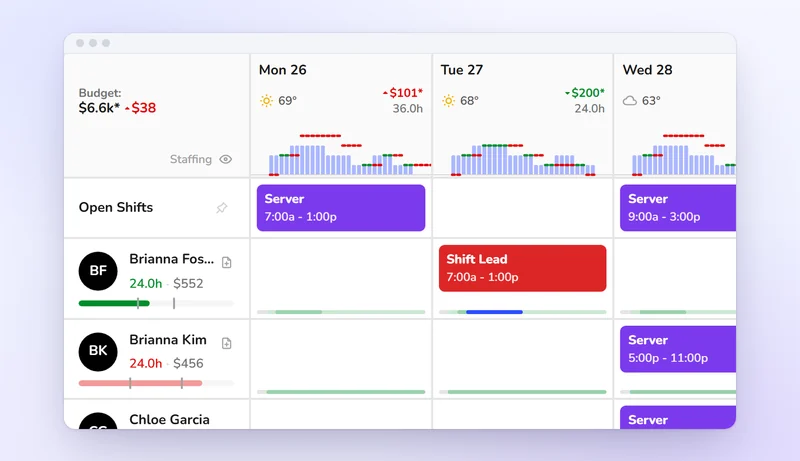
If you want the loop in one place, Kronto's restaurant scheduling app shows what the week costs against your labor budget as you build and catches overtime and clopenings before you publish.